
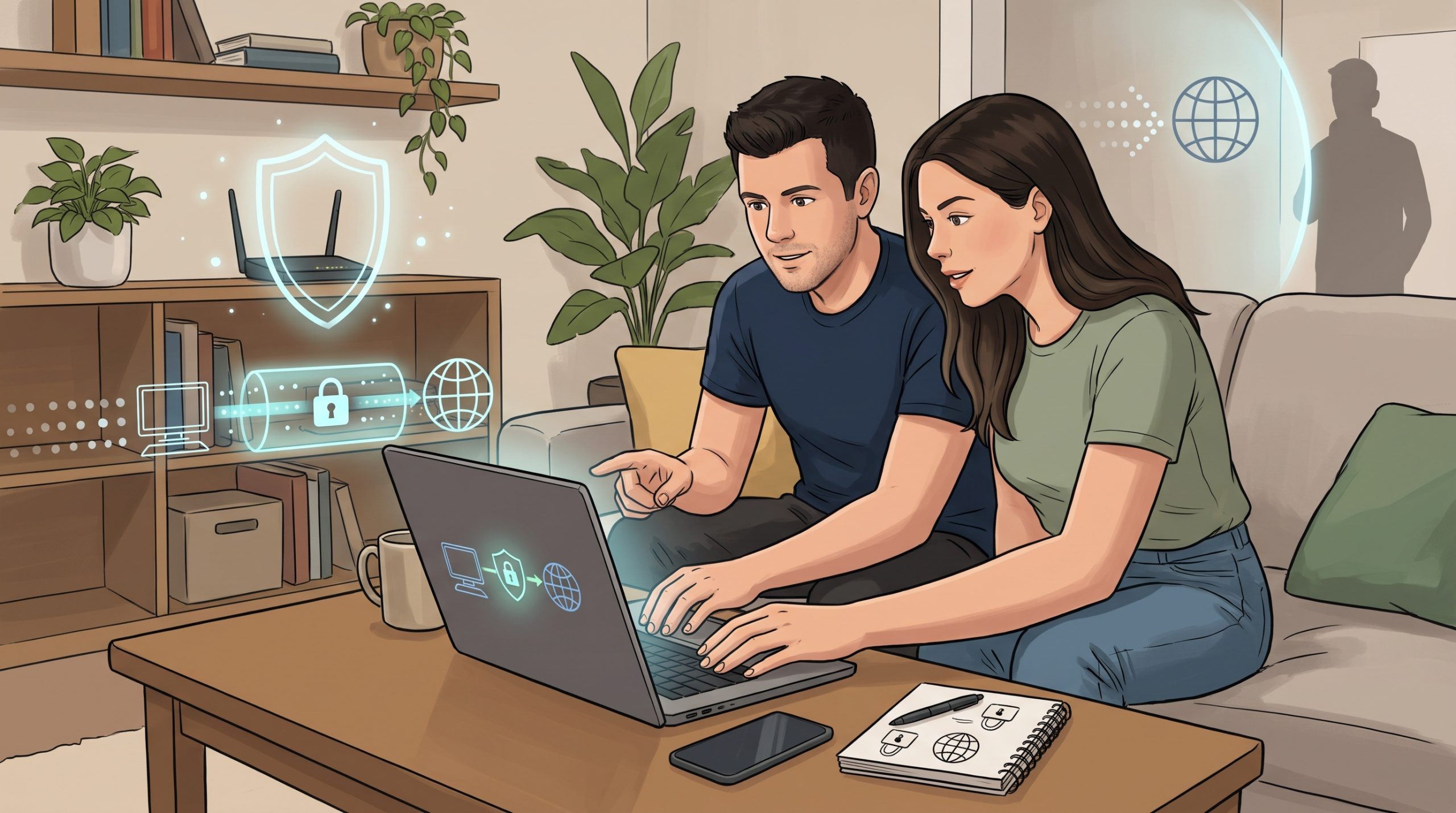
What is a VPN, and do you really need one? Ads promise total privacy and security, but the reality is more modest. A VPN is a useful tool in some situations and unnecessary in others. This plain-English guide explains what a VPN does, what it cannot do and how to choose a service you can trust.
What Is a VPN?
VPN stands for virtual private network. It creates an encrypted connection between your device and a server run by the VPN provider. Your internet traffic travels through that server before reaching the websites you visit.
What a VPN Does
- Encrypts your traffic between your device and the VPN server, so people on the same network, such as a cafe’s Wi-Fi, cannot easily read it.
- Hides your IP address from the websites you visit, which shows them the VPN server’s address instead.
- Hides your browsing from your internet provider, though the VPN provider can see it instead.
- Can help you appear in another location, though some services restrict VPN use, so check their terms.
What a VPN Does Not Do
- It does not make you anonymous. Websites can still identify you if you log in, and trackers can use cookies and device details.
- It does not stop phishing or scams. See how to spot a phishing email or text.
- It does not protect against malware you download or install yourself.
- It does not replace strong passwords. Use a password manager and two-factor authentication.
- It does not stop apps on your phone from collecting data. Review the settings in our guide to stopping tracking.
When a VPN Can Help
- Public Wi-Fi: in airports, hotels and cafes, a VPN adds a layer of protection. Many sites already use encryption, so the risk is lower than it used to be, but a VPN can still help.
- Privacy from your internet provider: if you do not want your provider to see which sites you visit.
- Travelling: to reach services from home while abroad, where allowed and legal.
- Remote work: many employers provide a VPN to access company systems securely.
When You May Not Need One
- At home on a secure network, doing everyday browsing on websites that use HTTPS.
- If you expect it to give total anonymity. It will not.
- If a free service is the only option you can find. Be cautious, because some free VPNs collect and sell data.
The Trust Problem
With a VPN, you move trust from your internet provider to the VPN company. It can see your traffic’s destinations, so choose carefully.
How to Choose a VPN
- Read the privacy policy. Look for a clear no-logs policy, ideally backed by independent audits.
- Check who owns it and where it is based.
- Avoid unknown free VPNs that rely on advertising or data collection.
- Look for modern, well-known protocols and regular app updates.
- Check device support for your phone, laptop and tablet.
- Test speed. A VPN can slow your connection, so try a trial or refund period.
- Read recent independent reviews. Products change often.
VPN and Connection Speed
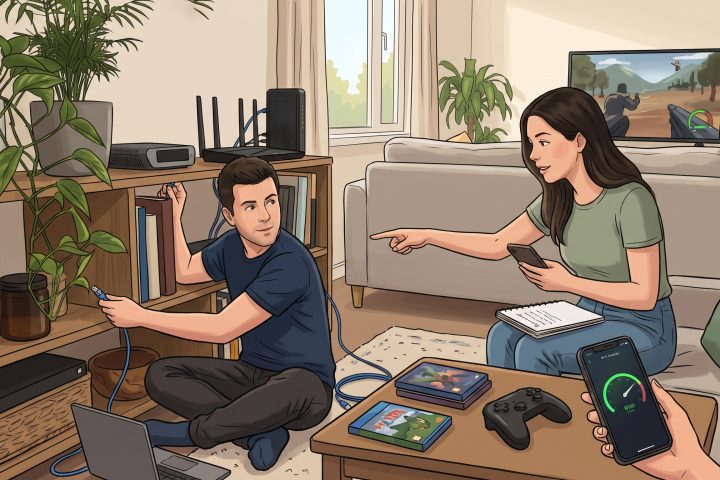
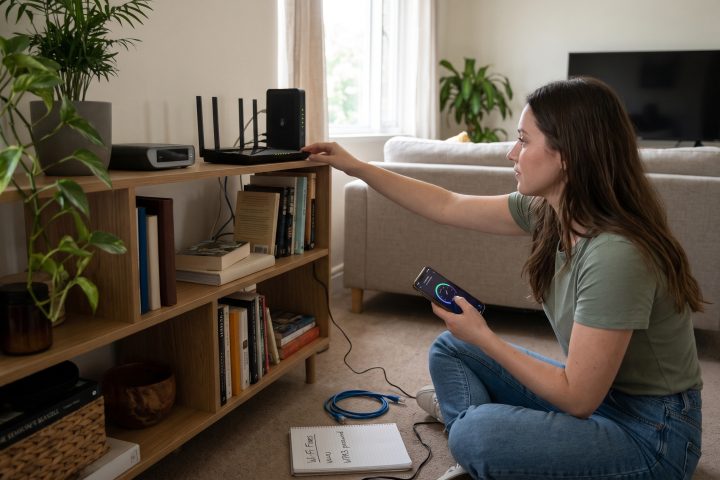
A VPN adds an extra step, so it can reduce speed, especially with distant servers. If your connection is already slow, fix that first with these 10 Wi-Fi fixes. A VPN running all day can also use extra battery. See 11 reasons your phone battery dies so fast.
Better Security Basics First
- Use unique passwords and two-factor authentication.
- Keep your devices and apps updated.
- Back up your data. See our guide to the 3-2-1 backup rule.
- Be careful with links and attachments.
Frequently Asked Questions
Is using a VPN legal?
In many countries yes, but laws differ and some places restrict or ban VPNs. Check the rules where you live or travel.
Are free VPNs safe?
Some are, but many have privacy or security problems. Be careful and read independent reviews.
Can a VPN protect me from hackers?
It protects the connection between your device and the VPN server. It does not protect you from scams, weak passwords or malware.
Final Thoughts
A VPN is a useful privacy tool, not a magic shield. Use it on public Wi-Fi or when you want to hide your browsing from your provider, choose a reputable service and get the security basics right first.
This article is for general information only. VPN laws, products and features change, so check current local rules and independent reviews.
Comments are for Silver members and up
Join the community to share your thoughts. Members keep the discussion friendly and spam-free.