
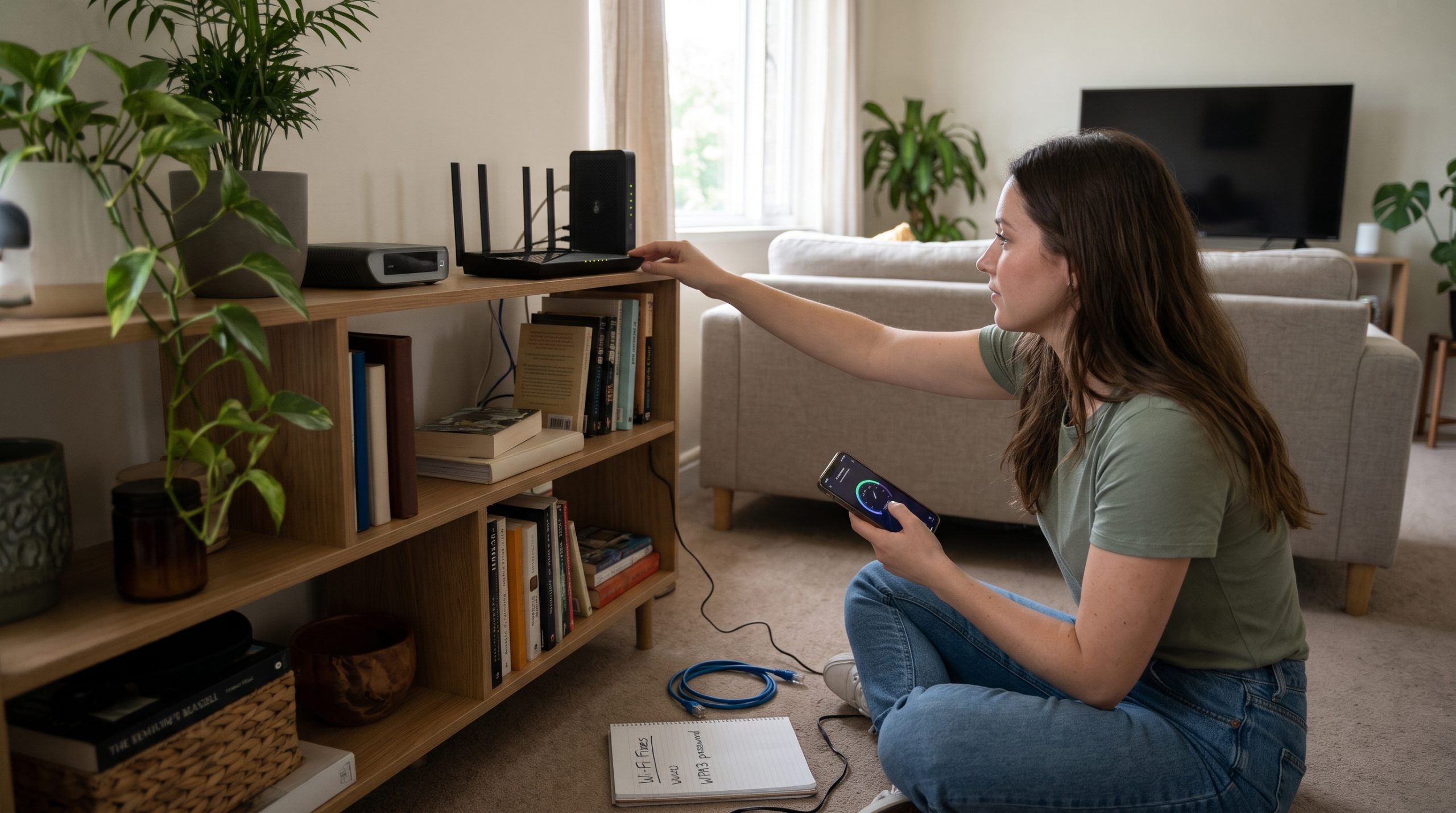
You pay for fast internet, yet videos buffer, video calls freeze, and pages load slowly. Before you blame your provider or buy a new router, know that most Wi-Fi problems come from a handful of common causes, and many can be fixed for free in an afternoon.
First, find out where the problem is
Run a speed test while standing next to your router, ideally with a device connected by cable. Then run it again in the room where you have trouble. If the speed is fine near the router but poor elsewhere, the issue is your Wi-Fi coverage. If it is slow even by the router, the problem may be your plan, your router, or your provider. This one test saves hours of guessing.
1. Restart your router
It sounds like a cliché because it works. Routers run constantly and can develop memory and connection glitches. Unplug yours for about thirty seconds, plug it back in, and wait a few minutes. Doing this occasionally is harmless.
2. Move the router to a better spot
Walls, floors, mirrors, fish tanks, and large appliances weaken signals. Place the router in a central, elevated, open location, not inside a cabinet, behind the TV, or on the floor in a corner. Moving it just a few meters can make a visible difference.
3. Mind the interference
Microwave ovens, cordless phones, baby monitors, and neighbors’ networks can all crowd the same airwaves. Keep the router away from these devices, and if your router allows it, try a different Wi-Fi channel or set it to choose automatically.
4. Use the right band
Most modern routers broadcast on a 2.4 GHz band and a 5 GHz band, and newer ones may add 6 GHz. The 2.4 GHz band travels farther through walls but is slower and more crowded. The 5 GHz band is faster over shorter distances. Use the faster band for devices close to the router, and the slower one for far-away gadgets.
5. Update your router’s firmware
Updates can fix bugs, improve stability, and close security holes. Check your router’s app or admin page for updates, and turn on automatic updates if available. If your router is many years old and no longer receives updates, it may be time to replace it.
6. Secure your network
If your Wi-Fi has a weak password or none at all, neighbors or strangers may be using your bandwidth. Use a strong, unique password and modern encryption such as WPA3 or WPA2. Check the list of connected devices and remove any you do not recognize.
7. Reduce the load
Many devices compete for the same connection: phones, TVs, consoles, laptops, smart speakers, and cameras. Cloud backups, game downloads, and 4K streaming can quietly use most of your capacity. If speed matters during a work call, pause large downloads. Some routers also let you prioritize important devices.
8. Use a cable where you can
For desktop computers, game consoles, and streaming boxes that stay in one place, an Ethernet cable is faster, more stable, and takes load off your Wi-Fi. For many households, this single change improves everything else.
9. Extend coverage the right way
For large homes, a cheap signal repeater can sometimes make things worse by halving speeds. A mesh Wi-Fi system, or a second access point connected by cable, usually gives much better results. Place extra units about halfway between the router and the dead zone, not inside it.
10. Check your plan and provider
If you have several people streaming, gaming, and working from home, your plan may simply be too small. Compare the speed you pay for with the results of your tests. If you consistently get far less than promised, contact your provider with your test results. Sometimes a technician visit or a line check solves it.
A quick troubleshooting routine
When the internet slows, try these in order: test the speed near the router, restart the router, check whether only one device is affected, disconnect heavy downloads, and move closer or switch bands. If a single device is slow, the problem is probably that device, so restart it and update it.
Common myths
Bigger antennas do not always mean better performance. “Boosters” sold with big promises often disappoint. And a higher advertised number on the box does not guarantee real-world speed in a house with thick walls. Placement and setup usually matter more than the price tag.
Slow Wi-Fi is rarely a mystery. Start with a speed test, fix placement and interference, use cables where possible, and upgrade equipment only when simple steps fail. A little patience can turn a frustrating connection into a reliable one.


Comments are for Silver members and up
Join the community to share your thoughts. Members keep the discussion friendly and spam-free.