

Few things are more annoying than a phone that drops to 20 percent before lunch. Batteries do wear out over time, but many people lose hours of use every day because of settings and habits that are easy to change. Here are the most common culprits.
1. Your screen is too bright
The display is usually the biggest power drain. Turn on automatic brightness, and lower it manually when you do not need maximum visibility. Shortening the screen timeout so it switches off quickly after you stop touching it also helps.
2. High refresh rate
Many modern phones offer smooth 90 or 120 Hz displays, which look great but use more power. If battery life matters more than silky scrolling, switch to the standard rate or an adaptive setting in the display options.
3. Apps running in the background
Some apps keep refreshing, syncing, and checking your location even when you are not using them. Check your battery settings to see which apps use the most power, and limit background activity for those that do not need it. Uninstall apps you no longer use.
4. Location services left on
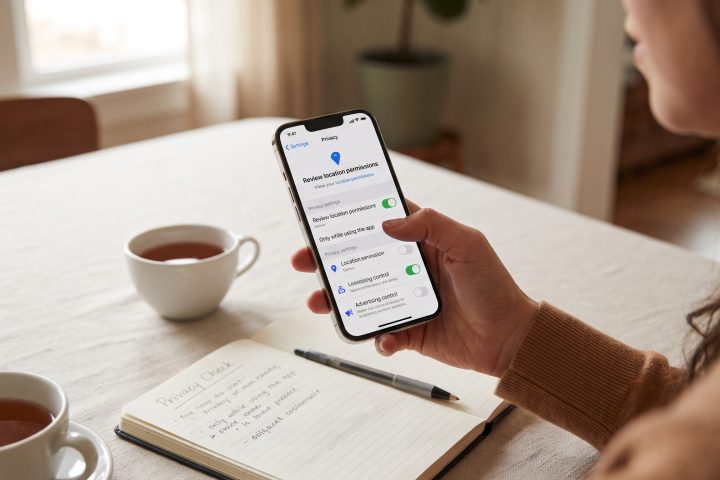
Constant GPS use is expensive for the battery. Set apps to use location only while in use, and turn off precise location where it is not needed. This also helps your privacy.
5. Too many notifications
Every notification can wake the screen and the processor. Turn off alerts for apps that are not important to you. Fewer interruptions means a calmer day and a longer-lasting battery.
6. Weak signal
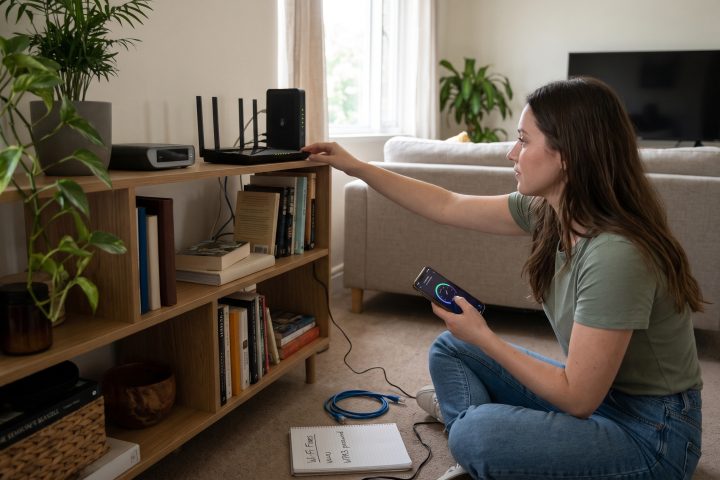
When your phone has poor reception, it works harder to stay connected, which drains power quickly. If you are in a basement, a rural area, or a building with thick walls, expect worse battery life. Using Wi-Fi calling, if available, or airplane mode in dead zones can help.
7. Old software
Updates often include battery and performance improvements, and a heavily outdated system can behave poorly. Keep your operating system and apps up to date. Also, if a particular app has suddenly started draining power, check whether a newer version fixes it.
8. Heat and cold
Extreme temperatures are hard on batteries. Leaving your phone in a hot car, in direct sunlight, or under a pillow while charging can reduce its capacity over time. In very cold conditions, the battery may show a sudden drop in percentage. Keep your phone at moderate temperatures when possible.
9. Charging habits
Modern lithium-ion batteries do not need to be fully drained before charging, and constantly charging from near zero to 100 percent can add wear. Many phones now offer optimized or limited charging features that hold the charge at around 80 percent or learn your routine and finish charging right before you wake up. Turn these on if you can. Using a good-quality charger and cable from a trusted brand also matters, since cheap accessories can be inefficient or unsafe.
10. Streaming, gaming, and camera use
Heavy tasks use a lot of energy. Video calls, games, navigation, and recording video can empty a battery quickly. Lowering video quality, using dark mode on OLED screens, and downloading content on Wi-Fi in advance can reduce the load.
11. The battery itself is worn out
After a few years of regular use, every battery loses capacity. Your phone settings may show battery health as a percentage. If it has dropped well below its original level and your phone shuts down unexpectedly, a battery replacement from the manufacturer or a reputable repair shop can make an older phone feel new again. This is often much cheaper than buying a new device.
Quick wins you can try today
Turn on low power mode when you expect a long day, enable dark mode, reduce screen timeout, review the top battery-using apps, and restart your phone occasionally. Do not trust “battery saver” or “RAM booster” apps, as many use more power than they save and some are not safe.
A realistic expectation
No setting will give you infinite battery life. A heavy user may still need a charge by evening, and a power bank is a practical backup for travel. The goal is to remove unnecessary drain so the power goes to the things you care about.
Most battery problems come from a combination of a bright, high-refresh screen, busy background apps, and weak signal. Change a few settings, build better charging habits, and replace the battery if it is truly worn out. Your phone may last far longer than you expected.

Comments are for Silver members and up
Join the community to share your thoughts. Members keep the discussion friendly and spam-free.