
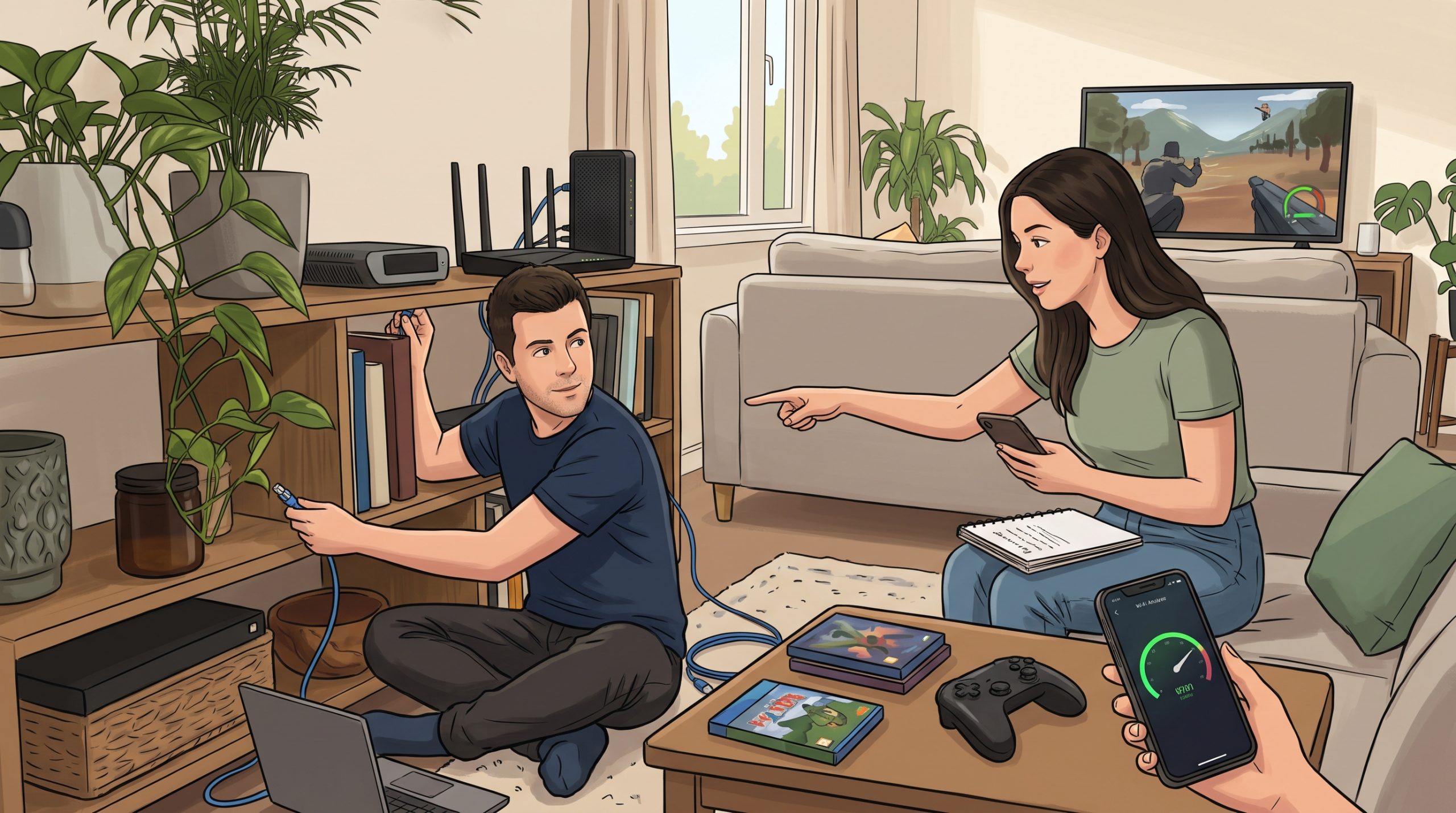
Knowing how to reduce lag in online games can be the difference between a win and a frustrating loss. Lag is the delay between what you do and what happens on screen. It can come from your internet connection, your home network, your device or the game’s servers. This guide helps you find the cause and fix it, starting with the easiest steps.
Lag, Ping and Frame Rate: What Is the Difference?
- Ping (latency): the time data takes to travel between your device and the game server, measured in milliseconds. Lower is better.
- Packet loss: data that never arrives, which causes rubber-banding and sudden jumps.
- Frame rate (FPS): how many images your device draws per second. A low frame rate feels like lag, but it is a device problem, not a network one.
Most games show ping and FPS in the settings or in an on-screen overlay. Check which one is the problem before you start fixing things.
1. Use a Wired Connection
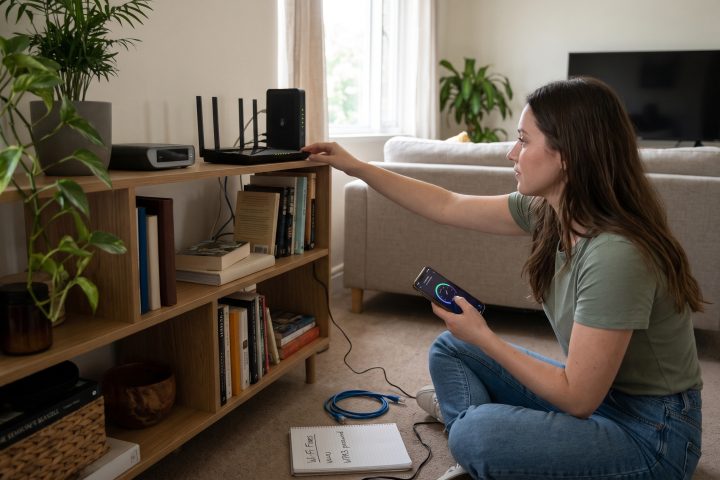
An Ethernet cable is usually more stable than Wi-Fi, with lower and more consistent latency. If you can run a cable from your router to your console or PC, this is often the single most effective fix.
2. Improve Your Wi-Fi if You Cannot Use a Cable
- Move closer to the router, or move the router to a more central, open spot.
- Use the 5 GHz band if your router and device support it, as it is often less crowded.
- Reduce interference from walls, microwaves and other devices.
For more ideas, read why your Wi-Fi is so slow and 10 fixes that actually work.
3. Close Background Downloads and Streams
Updates, cloud backups, video streaming and other people in your home all share your bandwidth. Pause large downloads while you play, and check that no device is uploading or backing up in the background. See our guide to backing up your data for how to schedule backups at quiet times.
4. Restart Your Router and Device
A restart can clear temporary glitches. Turn the router off for about 30 seconds, turn it back on and restart your console or PC.
5. Pick the Right Game Server
Many games let you choose a region or server. Choose the one nearest to you for lower ping, unless you are playing with friends elsewhere.
6. Lower Your In-Game Graphics Settings
If the problem is a low frame rate, reduce resolution, shadows and effects. A stable frame rate often feels smoother than higher quality with stutters.
7. Update Your Game, Drivers and System
Updates often include performance and network fixes. Update the game, your graphics drivers and your operating system or console software. If your computer is generally slow, try our guide to speeding up a slow laptop.
8. Check Your Router Settings
- Some routers have a quality-of-service (QoS) feature that lets you prioritise gaming traffic.
- Make sure your router firmware is up to date.
- Consider an upgrade if your router is very old.
Settings differ between brands, so check your router’s manual.
9. Be Careful With VPNs
A VPN can add delay, so it usually will not help with lag unless your internet provider has a poor route to a game server. If you use one, test with it on and off. Read what a VPN is and whether you need one.
10. Contact Your Internet Provider
If you have tried everything and your connection is still unstable, call your provider. Ask them to check your line for faults, and compare your plan with how many people and devices use it.
Handheld and Mobile Gaming
On a phone, lag can also come from heat, a low battery or background apps. Close other apps and keep the phone cool. Our article on why phone batteries drain fast covers settings that also help performance.
Quick Troubleshooting Checklist
- Check ping and FPS in the game.
- Switch to a wired connection or move closer to the router.
- Pause downloads and streaming on all devices.
- Restart the router and your device.
- Choose a nearby server.
- Lower graphics settings if the frame rate is low.
- Update the game, drivers and system.
- Contact your provider if the problem persists.
Frequently Asked Questions
What is a good ping for gaming?
Lower is better. What counts as good depends on the game and the player, but a lower and more stable ping gives a smoother experience.
Does a faster internet plan fix lag?
Not always. Lag depends more on latency and stability than on download speed, although a very slow or crowded connection can cause problems.
Why does my game lag only at night?
Evening is a busy time for many networks. Shared connections and busy servers can both cause slowdowns.
Final Thoughts
Start by working out whether the problem is ping or frame rate, then use a cable, reduce network load and update your system. Most lag problems can be improved without buying anything.
This article is for general information only. Routers, consoles and games differ, so check your manufacturer’s guidance for specific steps.

Comments are for Silver members and up
Join the community to share your thoughts. Members keep the discussion friendly and spam-free.